Merge, split, and watermark PDFs in your browser — meet Nova PDF Converter
Nova PDF Converter is a collection of tools for everyday PDF edits, done entirely in your browser — for the jobs that don't justify buying desktop software.
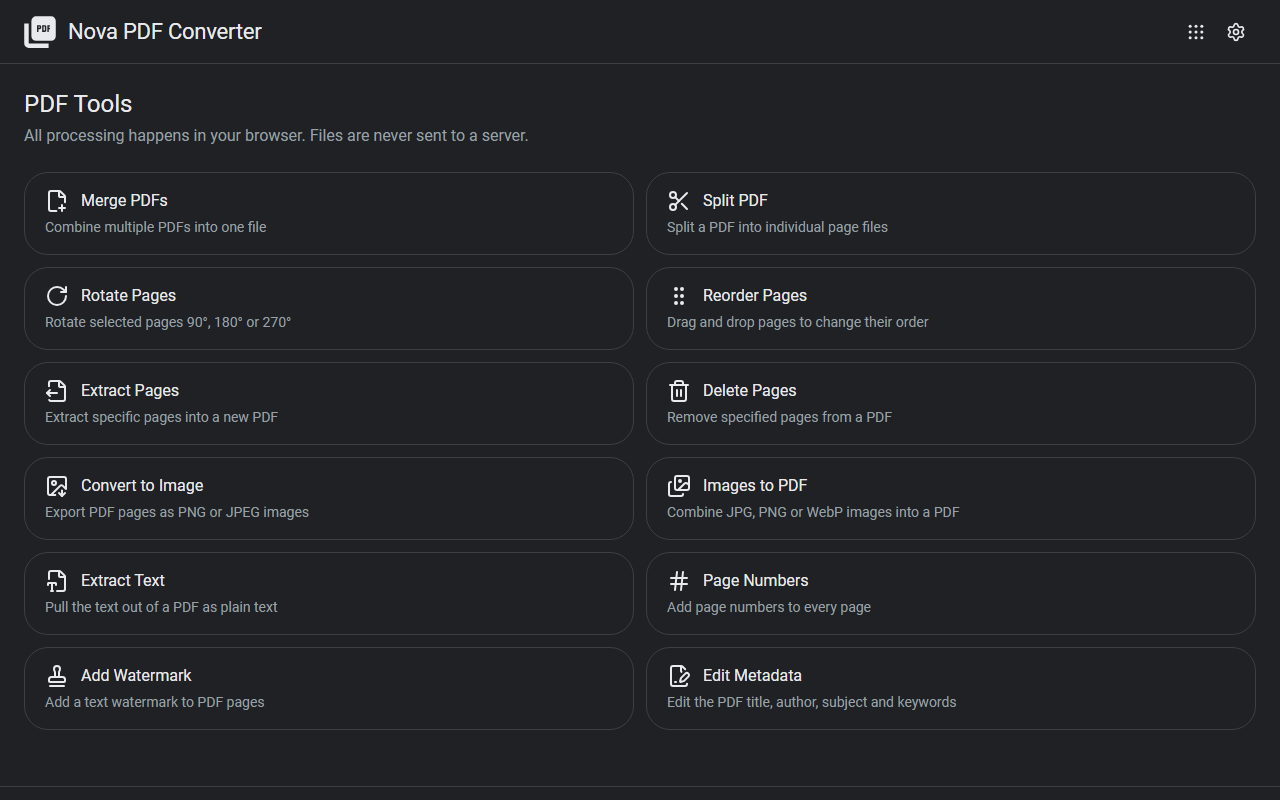
What it does
- Page operations: merge multiple PDFs, split, and reorder, rotate, extract, or delete pages
- Image conversion: turn PDF pages into images, or combine images into a single PDF
- Text: extract text from a PDF
- Finishing touches: add page numbers and watermarks
- Metadata: edit title, author, and other document info
How to use it
- Pick a tool from the list on the top page
- Load a PDF — page thumbnails appear, so you can select what to work on and run the operation
- Download the finished PDF
No sign-up, no installation.
Privacy
All processing happens in your browser. Your PDFs are never uploaded to a server — which matters most for exactly the documents you'd want to edit: contracts, invoices, and other confidential files. All features are free.
When it comes in handy
- Combining scanned documents into a single PDF
- Extracting just the pages you need for a submission
- Adding a "Confidential" watermark to a document before sharing it
Novare Orbis offers other free, browser-based tools as well — see the full list.