A Markdown editor that works on your local folders — meet Nova Note
Nova Note is a Markdown editor that runs in your browser. Instead of locking your notes into a proprietary format or cloud, it opens and edits the plain .md files in a folder you already have.
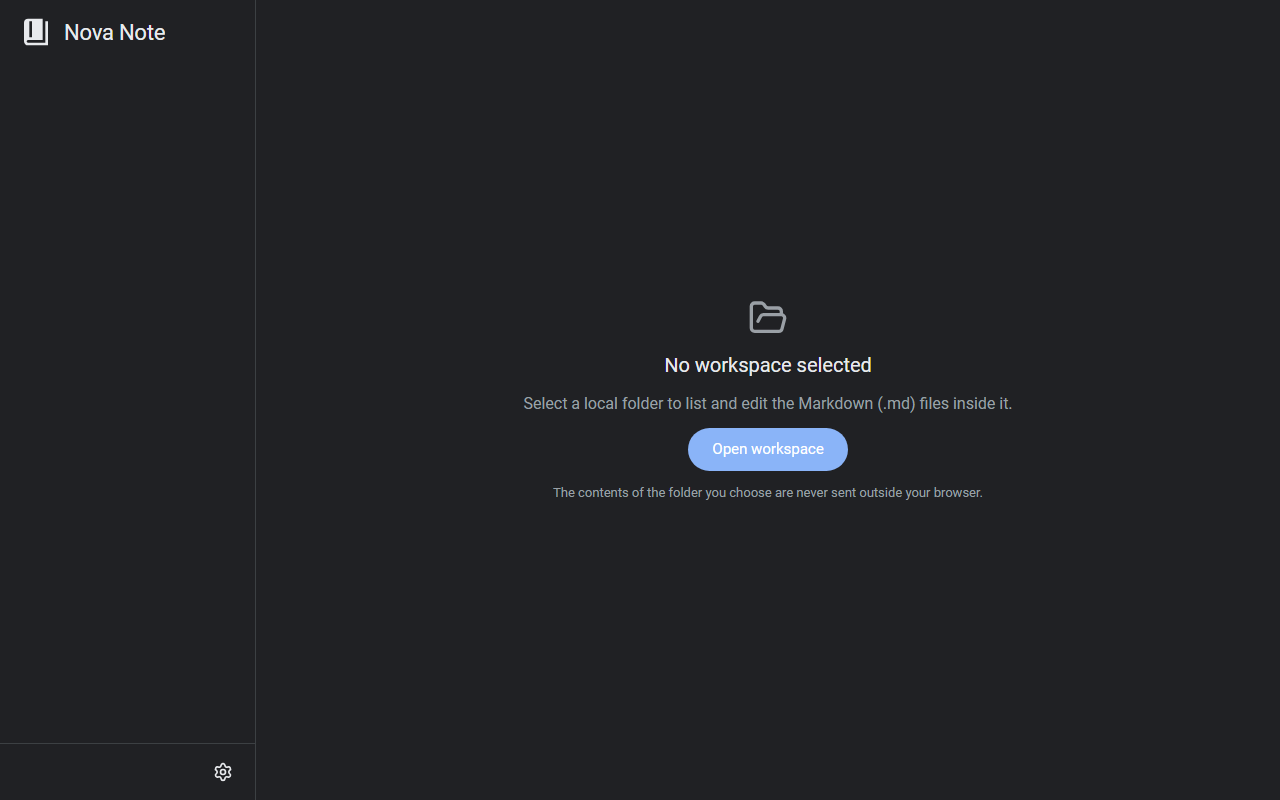
What it does
- A folder as your workspace: pick a local folder and the Markdown files inside are listed and editable in place. A Google Drive folder can serve as the workspace too
- Live preview: headings, lists, and emphasis are rendered as you type — no switching between an edit pane and a preview pane
- Code blocks: displayed as boxes with a language badge and syntax highlighting
- List handling:
- [ ]becomes a clickable checkbox; Enter continues the list, and Tab/Shift+Tab adjust indentation
How to use it
- Open the site and pick a folder via "Open workspace"
- From there it works like any editor — your edits are saved straight to the .md files in the folder you chose
No account needed. The local-folder feature relies on the File System Access API, so a Chromium-based browser such as Chrome or Edge is recommended.
How your data is handled
With a local folder, the contents of your notes are never sent outside your browser. Everything stays in your own files, so you can switch to another editor anytime. It's free.
When it comes in handy
- You keep notes as .md files in Git, but want a live preview while writing
- You can't install an editor on a work machine but want to take Markdown notes
- You want a simple Markdown setup without going full Obsidian
Novare Orbis offers other free, browser-based tools as well — see the full list.