Trim, adjust, and merge audio in your browser — meet Nova Audio Converter
Nova Audio Converter is a collection of tools for quick audio edits, done entirely in your browser — for the jobs that don't justify launching a full editor.
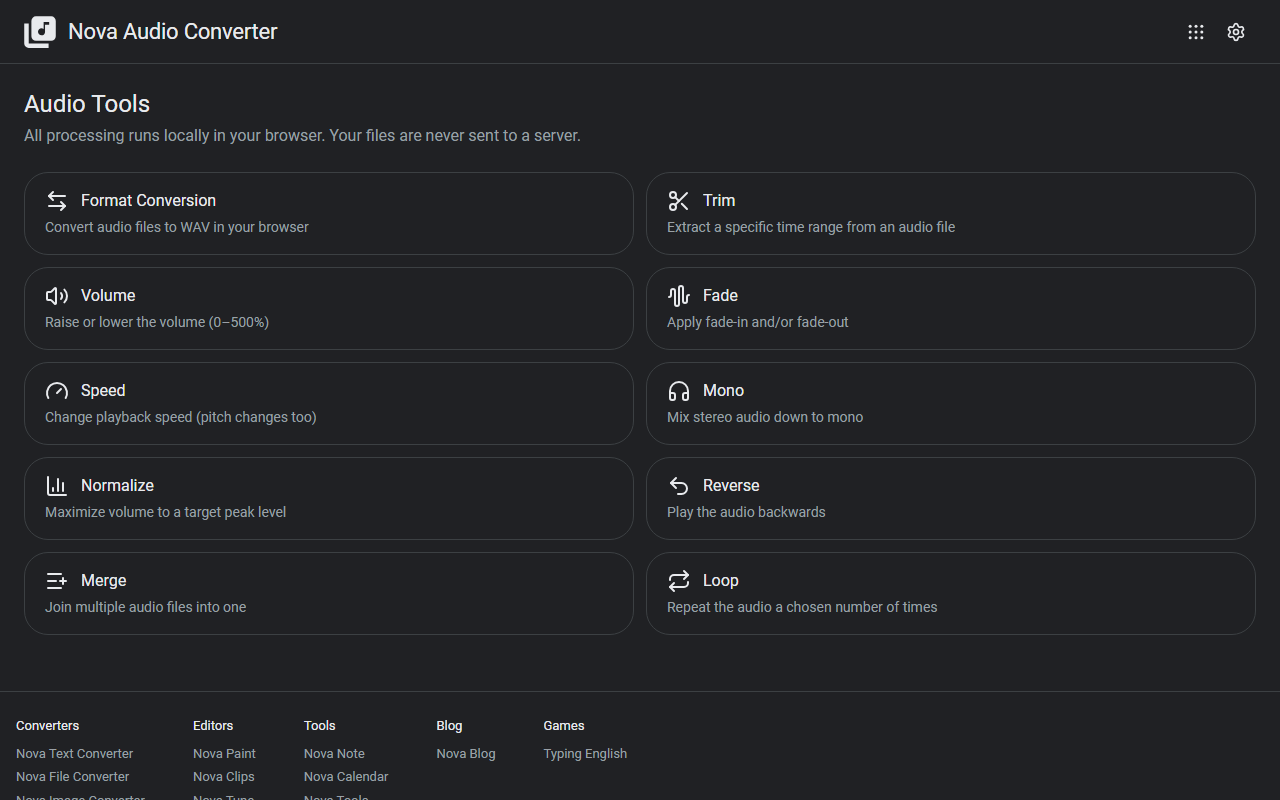
What it does
- Cutting and combining: trim unwanted sections, merge multiple files, and loop a clip
- Volume: adjust volume, fade in/out, and normalize levels
- Convert and transform: convert to WAV, change playback speed, downmix to mono, and reverse
Output is WAV. Any format your browser can decode (MP3, WAV, OGG, and so on) works as input.
How to use it
- Pick a tool from the list on the top page
- Load an audio file and adjust the parameters
- Download the result
No sign-up, no installation.
Privacy
All processing happens in your browser (via the Web Audio API). Your audio files are never uploaded to a server, so recordings that can't leave your machine — like meeting audio — are safe. All features are free.
When it comes in handy
- Cutting the silence off the start and end of a recording
- Normalizing a recording that came out too quiet
- Looping a sound effect, or merging several takes into one file
Novare Orbis offers other free, browser-based tools as well — see the full list.